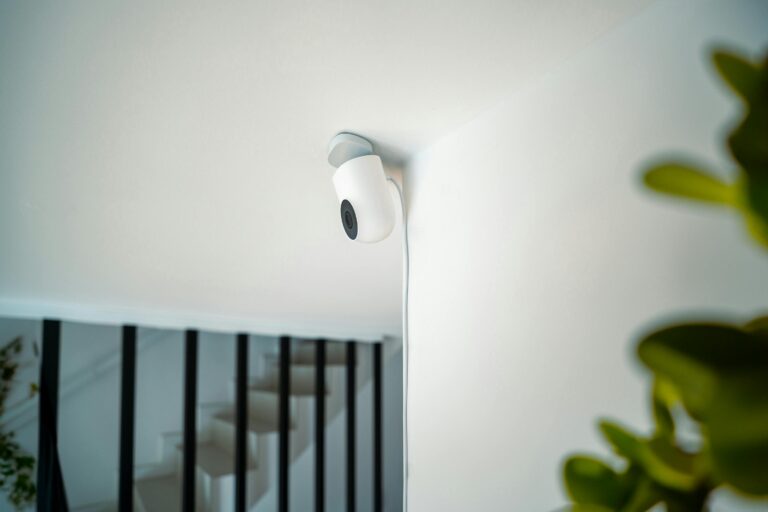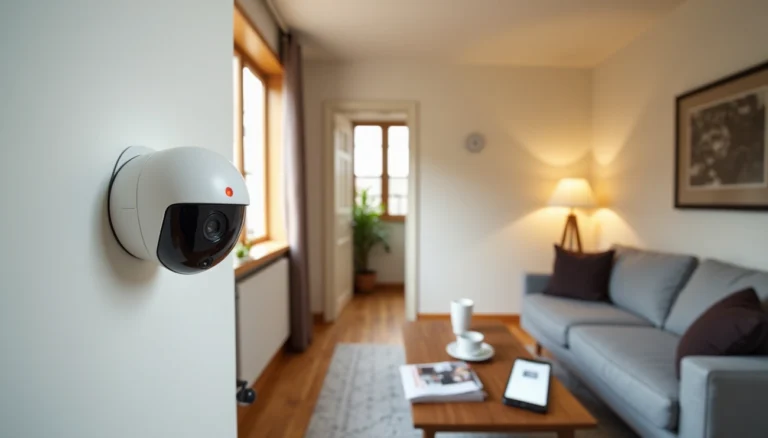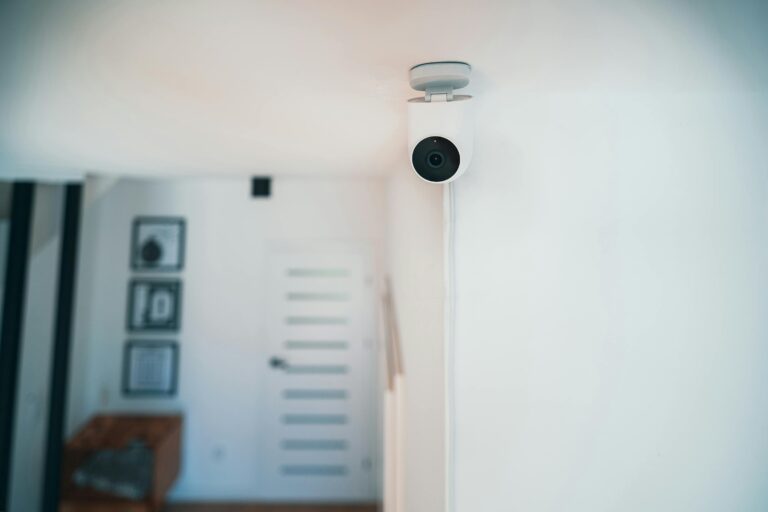
Indoor Security Cameras with Local Storage 2025

You don’t need to pay for expensive subscriptions to keep your home safe. Indoor Security Cameras with Local Storage are the safest bet to stay secure without surprise bills. The video is stored directly on an SD card or hub inside your home, putting you in full control of your data. At the same time, you can still enjoy smart features such as motion detection, AI alerts, and two-way audio.
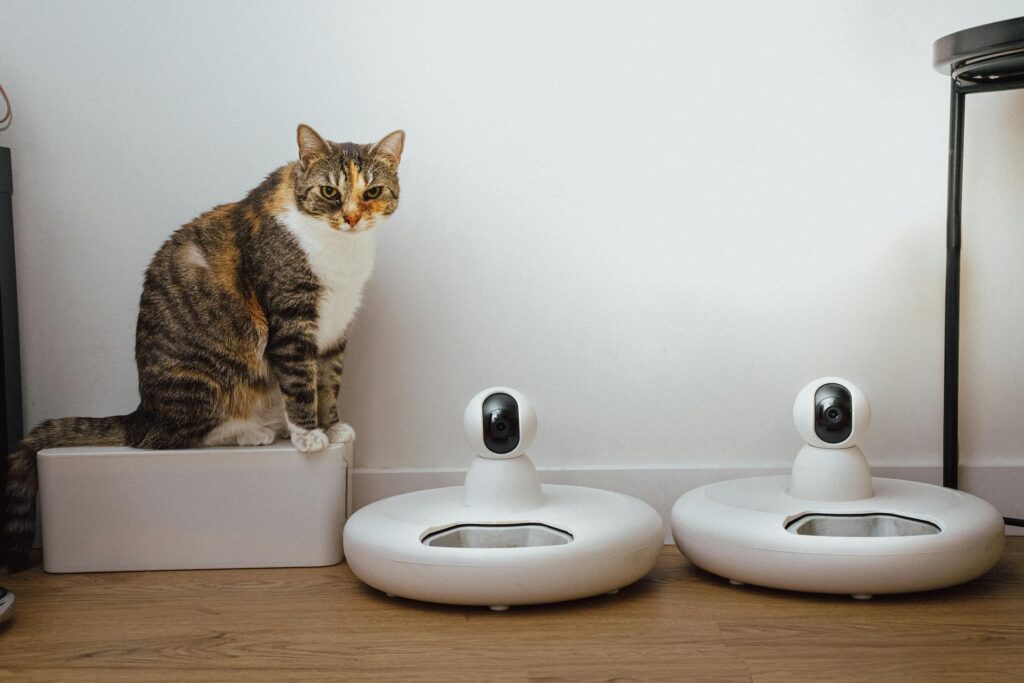
Advantages of Indoor Security Cameras with Local Storage
Save Money
No monthly fees. Once you buy the camera, all the recording is free.
More Private
The footage stays in your home, not in the cloud, reducing the risk of hacking or third-party access.
More Reliable Recording
When your Wi-Fi or internet goes down, local storage continues recording—even if you can’t see it on your smart device.
Smart Features Without Subscriptions
Indoor cameras today support 1080p, 2K, and even 4K video, with AI alerts and night vision—all without requiring a paid plan.
Tips for Choosing the Right Indoor Security Cameras with Local Storage
Storage
Higher resolutions (2K and 4K) need more space—look for SD card support of 256GB or higher.
Power Indoor Security Cameras with Local Storage
Plug-in indoor cameras are reliable, and battery backups are useful during power outages.
Smart Features
Motion detection, two-way talking, and offline AI detection are must-have features.
Integration
Check if the camera works with Alexa, Google Home, or Home Assistant for smooth smart home integration.
Ease of Use
Look for easy setup—many models are plug-and-play, perfect for DIY installation.
Examples of Popular Indoor Security Cameras with Local Storage
- Wyze Cam Pan v4 – Under $60, offers 4K video, AI tracking, and supports microSD cards up to 512GB.
- Blink Mini Pan-Tilt – Around $23 on sale, 360° panning, and works with Sync Module for local storage.
- Eufy Indoor Cam 2K – Crisp 2K resolution, AI detection, and records to SD card or NAS device.
- TP-Link Tapo C200 – Affordable 1080p pan/tilt camera with SD card storage and optional cloud backup.
- Reolink E1 Pro – 4MP indoor camera with microSD/NVR support, no subscription required.
Frequently Asked Questions (FAQs)
Q1: Do indoor cameras work without subscription and still send alerts?
Yes—many cameras have free motion or AI alerts via their app without requiring a paid plan.
Q2: How much storage do I need?
At 1080p, a 128GB microSD card stores about 2–3 weeks of video. For 2K/4K, use at least 256GB if the camera supports it.
Q3: Can I watch footage remotely?
Yes—most cameras allow live streaming through their app. The video remains locally stored but is easy to access.
Q4: Are these cameras hack-proof?
Local storage reduces risks. Keep firmware updated and use strong passwords for better protection.
Q5: Do I need cloud backup Indoor Security Cameras with Local Storage?
Some brands (like Wyze or Blink) offer optional cloud storage, but it’s not required if you prefer subscription-free recording.
Conclusion
Indoor cameras with local storage and no monthly fees are a smart, low-cost way to secure your home. They offer privacy, reliability, and modern features without ongoing costs. Whether you choose an affordable option like the Blink Mini Pan-Tilt, a high-quality 4K model like the Wyze Cam Pan v4, or a trusted brand like Eufy or Reolink, you can rest assured knowing your home is protected—and your data is yours alone.